Series: Matter from A to Z · Part 2 of 8
Thread, Wi-Fi or Ethernet: Which Radio Does Matter Use?
Matter Thread vs Wi-Fi explained simply: when Thread, Wi-Fi or Ethernet fits, what makes Thread special and what to check before buying.
By Tobias ·· 6 min read
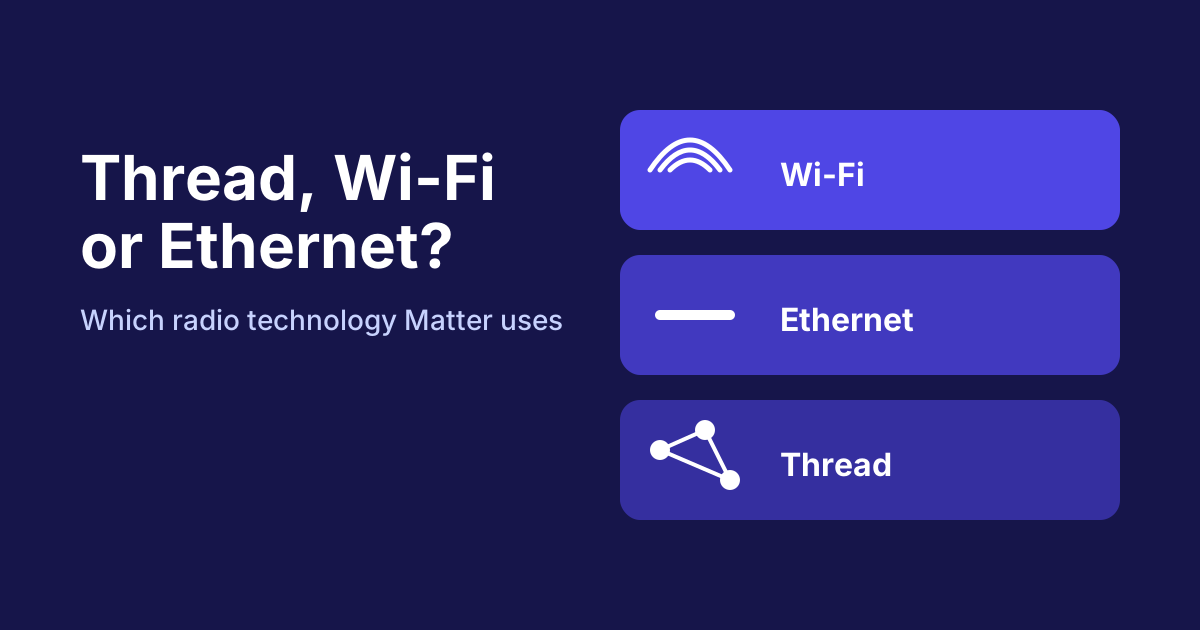
If you buy a Matter device, you will soon come across terms like Wi-Fi, Ethernet and Thread. Often the packaging only says "Matter", and suddenly the data sheet mentions a radio technology you can't place. The good news: the question is simpler than it sounds. Matter defines how devices talk to each other, while the radio technology determines how those messages physically reach the device. Here you'll learn the difference between Matter Thread and Wi-Fi, and which path suits which device.
Matter Thread vs Wi-Fi: the difference at a glance
Matter is the language of the devices. Wi-Fi, Ethernet and Thread are the paths on which this language is carried. Depending on its design, a Matter device can use one or more of these paths. What matters is that all three paths fit together within the same Matter standard. So you don't have to choose between Matter and Thread. You choose the right connection for each device.
Wi-Fi: available everywhere and simple
Wi-Fi is the path most households already know. A device with a Wi-Fi connection logs on directly to your router and can be used without any additional hardware. That's practical for devices that are powered anyway, such as plugs, cameras or lamps.
The downside is power consumption. Wi-Fi radio is comparatively power-hungry for battery-powered sensors. In addition, the connection depends on the range and quality of your Wi-Fi network. If a device sits at the far end of the garden or behind several walls, the connection can become unstable.
Ethernet: stable, but wired
Ethernet means a fixed cable connection. Devices with an Ethernet port are particularly reliable, because no radio interference or range problems occur. Typical places for them are hubs, gateways and devices that are installed at a fixed spot anyway.
In everyday use, Ethernet is the right choice for anything that stays in one place and needs a stable connection. A cable to every lamp, on the other hand, is rarely sensible. Other paths exist for that.
Thread: the power-saving mesh network
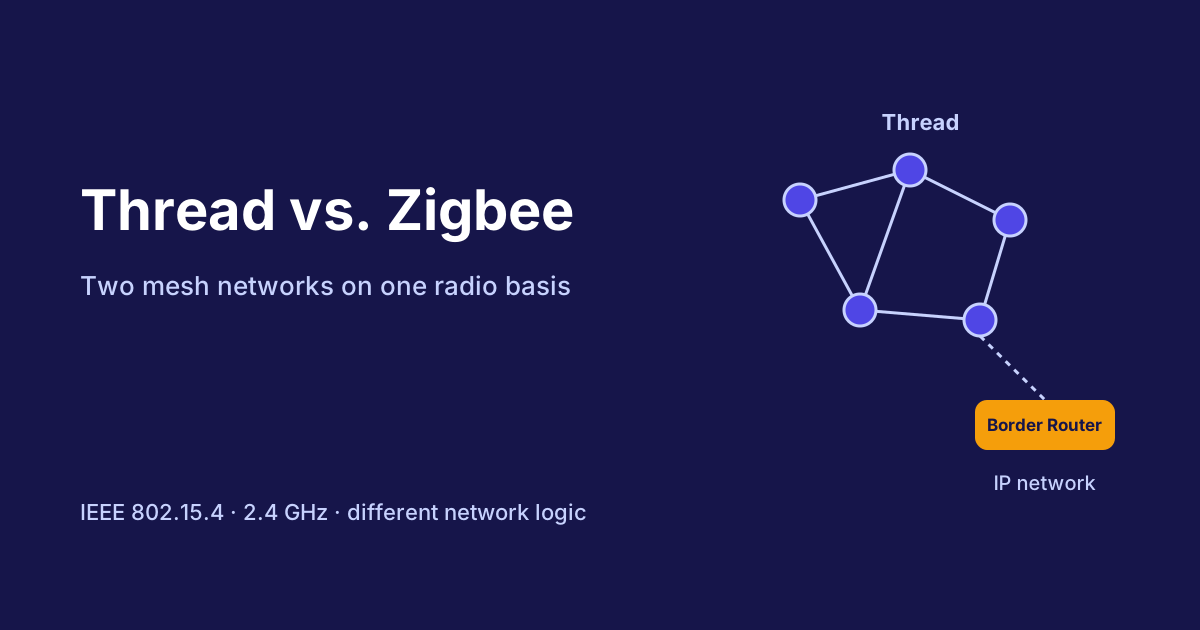
Thread is a radio network developed specifically for smart home devices. It is based on the IEEE 802.15.4 radio standard and operates in the 2.4 GHz band. Its special feature is the mesh structure: devices form a network among themselves and forward messages to each other. If one device fails, the others automatically look for a new route.
That makes Thread especially suitable for battery-powered sensors, switches and lamps that should use energy sparingly. Mains-powered Thread devices such as lamps or plugs can act as repeaters and make the network more stable.
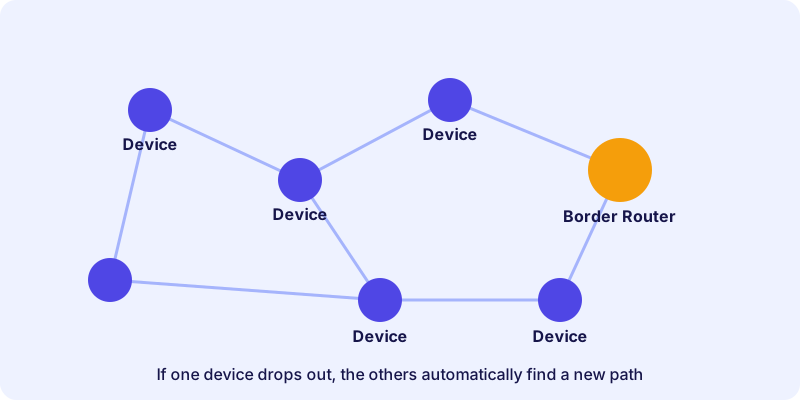
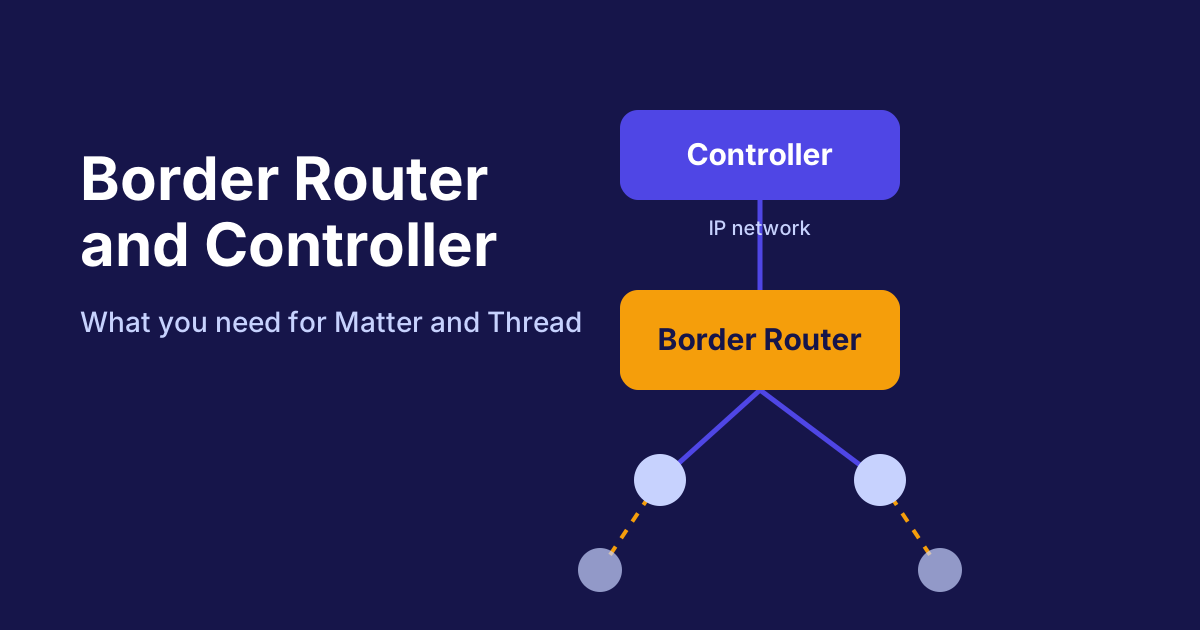
A Thread network alone is not enough, however. For a control system to reach the Thread devices, it needs a bridge into the regular IP network. This bridge is called a border router. What it does exactly and what you need for it is explained in the article Border Router and Controller.
An example of a Matter controller that is also a Thread border router:
Range and placement in the home
Thread networks are built so that the devices help each other. A sensor in the basement doesn't have to reach the router directly. It can send its messages via a lamp or plug on the ground floor. This only works, however, if enough mains-powered devices are spread throughout the house. So plan your Thread devices so that a connection forms between them.
Wi-Fi devices, on the other hand, connect directly to the router or an access point. If you run many Wi-Fi devices in rooms far away, you often need additional access points. Interference can also occur when several radio technologies operate in the same frequency range. Thoughtful placement helps to avoid such problems.
The comparison table
This overview summarizes the most important differences:
| Feature | Wi-Fi | Ethernet | Thread |
|---|---|---|---|
| Connection | Directly to the Wi-Fi router | Fixed cable connection | Radio network, connected via a border router |
| Power consumption | Rather high | Depends on the device, usually mains-powered | Very low |
| Typical use | Plugs, cameras, lamps | Hubs, gateways, fixed installations | Battery sensors, switches, lamps |
| Stability | Depends on Wi-Fi quality | Very high | High, thanks to the mesh network |
| Additional hardware | No | Cable and port | Border router required |
Which radio technology suits which device?
A short decision guide for everyday use:
- Battery-powered and small, such as door or window contacts, motion sensors or switches: Thread is usually the best choice.
- Mains-powered and within Wi-Fi range, such as plugs or cameras: Wi-Fi is simple and works without additional hardware.
- Fixed in place and stable, such as central hubs or gateways: Ethernet offers the most reliable connection.
- Many devices in one room: Thread scales well, because the devices support each other.
An example of a Matter device with Thread connectivity is this plug from the device directory:
How to recognize the radio technology of a device
The packaging rarely states which radio technology a device uses. The data sheet or product page provides that information. In the device directory, each device card shows the supported connections. Look for entries such as "Thread", "Wi-Fi" or "Ethernet". For Thread devices you should also check whether your home already has a border router. Without one, the device cannot be integrated into your control system.
Conclusion: Thread, Wi-Fi or Ethernet?
Matter is the shared language, and the radio technology is a question of design. For battery-powered devices, Thread is the most sensible choice in most cases. Wi-Fi suits mains-powered devices that should be ready to use quickly. Ethernet is the most stable solution for central, permanently installed devices. Practical tip: check the supported radio technology in the data sheet before you buy. If you want to use Thread devices, clarify beforehand how the network connects to your control system. The next step is the article about Border Router and Controller.
Frequently asked questions
Is Thread better than Wi-Fi for smart home devices?
It depends on the device. Thread is usually more power-efficient for battery-powered devices with little data traffic. Wi-Fi is easier to set up, because no border router is needed, and it suits devices on the mains.
Do I need a separate router for Thread?
You need a border router that connects the Thread network to your IP network. Many hubs and control systems already include this function. Whether it applies to your system is stated in the product information.
Can a Matter device use several radio technologies?
Some devices support several connections, for example Thread and Bluetooth LE for setup. Which paths a device uses is listed in its data sheet.
Is Thread more prone to interference than Wi-Fi?
Thread is designed for small amounts of data in the smart home and is robust thanks to its mesh network. How stable it runs, however, also depends on where the devices are placed and on existing sources of interference.