Switching from Zigbee to Matter? Running Both Is Enough
Switching from Zigbee to Matter? You don't have to. Keep your Zigbee network running and add Matter step by step with a bridge or a suitable control system.
By Tobias ·· 8 min read

Switching from Zigbee to Matter sounds like a big project: remove all devices, buy everything new, set everything up again. In the vast majority of cases, that is not necessary. Zigbee and Matter do not have to replace each other. You can keep using your existing Zigbee network, and Matter devices join as soon as they offer a real advantage. Here you will learn how running both in parallel works, when Zigbee remains sensible, when Matter pays off, and how to plan the transition step by step.
Switching from Zigbee to Matter: the short answer
You do not have to switch. A working Zigbee network remains usable as long as the gateway and devices keep running. Matter complements it rather than replacing it. There are two routes for this: a Matter bridge that makes Zigbee devices available to a Matter system, or a control system that handles both worlds. Buying everything new at once is usually expensive and brings little benefit in everyday use as long as the old devices work reliably. My recommendation: keep what works, and use Matter where it noticeably improves things.
How running both in parallel works
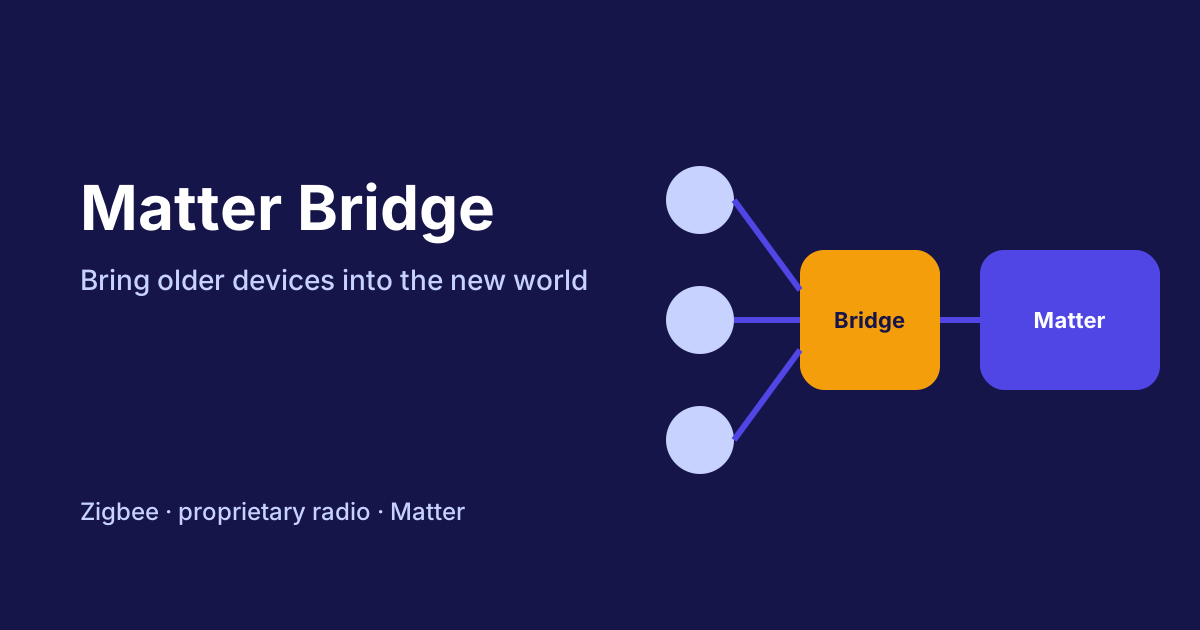
Zigbee devices do not speak Matter. They therefore need a translation. The bridge takes on this task: it manages the Zigbee devices and reports them to the Matter system as Matter devices. The article Matter bridge explained: integrating Zigbee and other devices into Matter describes what such a bridge can do and where its limits lie.
The second route runs through a control system that can handle both. Home Assistant is an example of how Zigbee devices and Matter devices come together in one interface. The basics are covered in the article Matter with Home Assistant.
An example of a USB stick that connects Zigbee and Thread to Home Assistant:
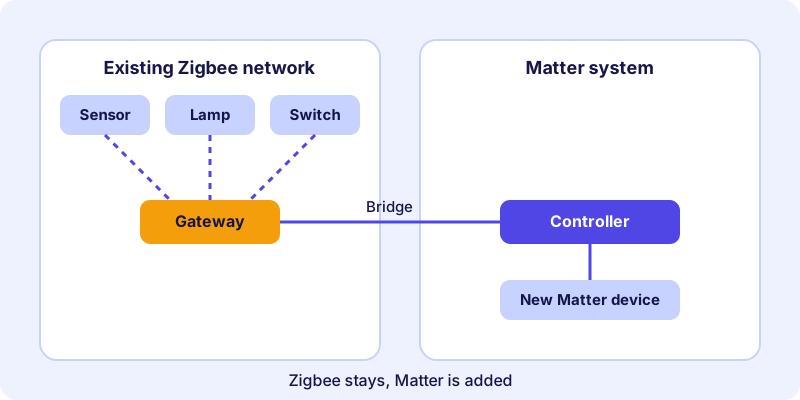
For you, this means your Zigbee network does not need to be switched off for Matter to work. Both networks can run side by side for a while, and you decide device by device when a switch is worthwhile.
In practice, the Zigbee devices stay logged in at their gateway, and the bridge passes them on to the Matter system. It is important to have a clear division of roles: the gateway remains responsible for the Zigbee network, and the controller handles everything that runs over Matter. If you see devices twice, this is usually due to a setup in both systems. In that case, check whether a device is only linked through the bridge and not additionally directly.
When Zigbee remains sensible
Zigbee is not outdated just because Matter is the newer standard. For many households, Zigbee remains the sensible choice, for these reasons:
- Working existing devices: A sensor that has reported reliably for years has no reason to be replaced.
- Established automations: Lighting scenes, heating control and routines run. Every change costs time and nerves.
- A wide selection: Zigbee offers a broad range of sensors, switches and lamps.
- A stable gateway: If your coordinator works well, you do not need to replace it just because a new standard exists.
Add to this the effort involved. A conversion means not only new devices, but also new setup, new names and often adjusted automations. Anyone who uses the existing network reliably saves that work until there is a reason, such as a defective device or a device type your existing setup does not cover.
When Matter pays off
Matter brings advantages when you use it deliberately:
- New purchases: If you are buying a device anyway, choose a Matter-certified model. In the device directory you can filter by radio technology such as Thread or Wi-Fi.
- Several systems: With multi-admin, a Matter device can be used in more than one system. The basics are explained in the article Matter multi-admin explained.
- New device types: If a category is missing from your Zigbee setup, such as a particular plug or a thermostat, a Matter device is often the direct route.
- A system change: If you are changing your control system anyway, plan your Matter devices at the same time.
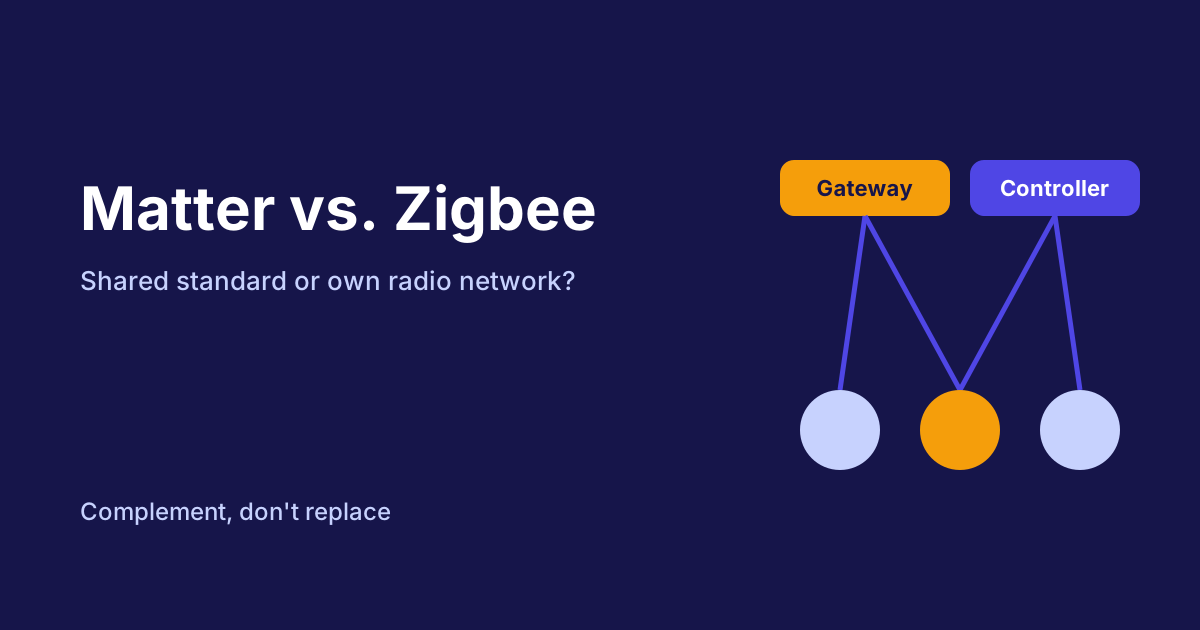
How Zigbee and Matter differ in detail is shown in the article Matter vs. Zigbee compared.
The transition in six steps
The following process keeps the switch manageable. You work step by step and never change more than you can check at a time.
How-to
Switching from Zigbee to Matter: running both in six steps
A gradual transition in which your Zigbee network keeps running and Matter is added little by little.
Note all Zigbee devices with room, function and approximate age. Also mark which automations depend on them. This shows you what is really in use and which devices are critical.
Clarify which device makes your Zigbee devices available to the Matter system. Check the manufacturer’s data sheet for the device types and functions that are supported. A bridge that only handles switches does not help with sensors.
When buying new devices, look for Matter certification and the radio technology. The device directory on matter.tips helps you search. Compare the details with your control system.
If a new device uses Thread, it needs a border router in the home network. Check whether you have one or whether your controller takes on this task. The connections are explained in the article Border router and controller.
Replace a Zigbee device with a Matter device when it is defective, the battery no longer lasts or you need a new function. All other devices keep running as before.
As long as a Zigbee device is in use, the gateway stays active. Test new configurations first with a single device before you take over more.
Typical pitfalls in parallel operation
During ongoing operation, a few problems come up again and again:
- Duplicate entries: A device that is registered both at the gateway and directly in the Matter system appears twice. Remove the unnecessary connection.
- Automations with old names: If you rename devices or connect them anew, automations need to be adjusted. Plan some time for this.
- Pairing in the wrong place: You pair Zigbee devices at the gateway, not in the Matter system. The Matter system only sees them once the bridge manages them.
- Unclear responsibility: If two systems control the same devices, conflicting commands can occur. Decide which system manages which devices.
What not to do
These mistakes cost the most time during a switch:
- Replacing everything at once: A big change brings many possible sources of error at the same time. When something does not work, you hardly know where the cause lies.
- Discarding working devices: A device that runs reliably does not need replacing just because of the standard.
- Converting without testing: Set up one device through the new bridge first and check all the functions you need.
- Switching off the Zigbee network without a plan: Automations then break, and devices you still need suddenly become unreachable.
- Buying a bridge without checking its device list: If you do not check the manufacturer’s information, important devices may not be supported at all.
Conclusion: running in parallel instead of a full overhaul
You do not have to switch from Zigbee to Matter, at least not right away. Running in parallel is a realistic path: your Zigbee network keeps working, Matter comes in through a bridge or a suitable system, and you choose new devices deliberately. That way you keep control and costs under management. You can find suitable Matter devices using the tips in the article Buying Matter devices.
Frequently asked questions
Do I have to switch off my Zigbee network to use Matter?
No. Both networks can run in parallel. Zigbee devices remain usable through their gateway or a bridge, while new Matter devices are added.
Can I keep my Zigbee devices and still use Matter?
Yes, through a Matter bridge or a control system that connects Zigbee and Matter together. Whether this works for a specific device depends on the product and the system.
Is it worth replacing all Zigbee devices with Matter devices?
Usually not. Replace only devices that are defective, no longer suitable or being bought new anyway. The rest can stay as it is.
Is a bridge slower than a direct Matter device?
An additional station can affect response time. How much depends on the device, the bridge and the configuration. There is no general figure.
What happens if the gateway fails?
The connected Zigbee devices are then usually unreachable, even if they themselves work. That is why a reliable gateway is an important part of your setup.