Building a Thread Network: Range and Stable Connections
Maximize Thread network range with routers, end devices and border routers. Plan a stable Thread network for your smart home step by step.
By Tobias ·· 6 min read
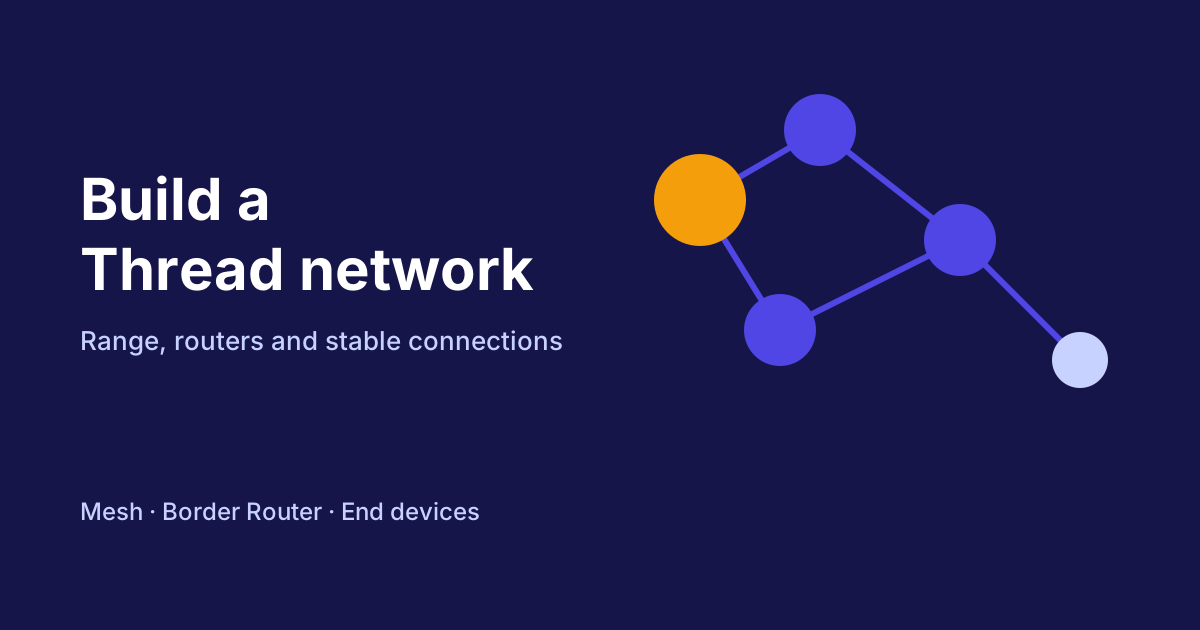
Thread network range is one of the most common questions once Matter devices connect via Thread. The good news: a Thread network grows with every mains-powered device you add. So the question is less about how far a single device reaches, and more about how you place the devices so that they help each other. Here you will learn which roles exist in a Thread network, how to plan it, and what to watch for to keep the connection stable.
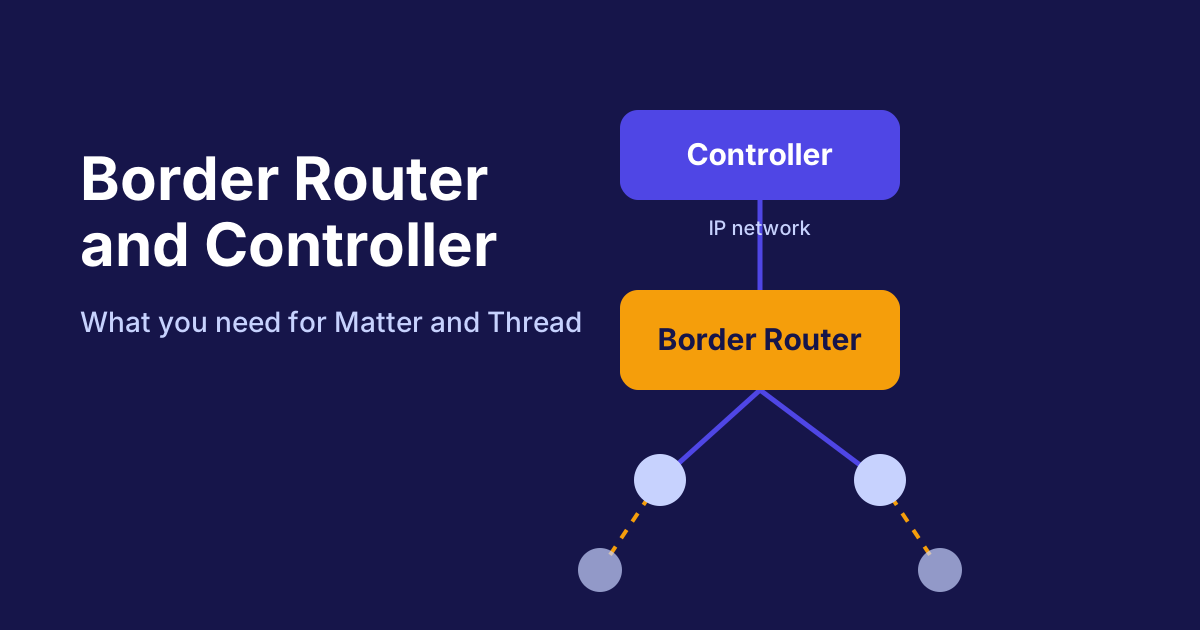
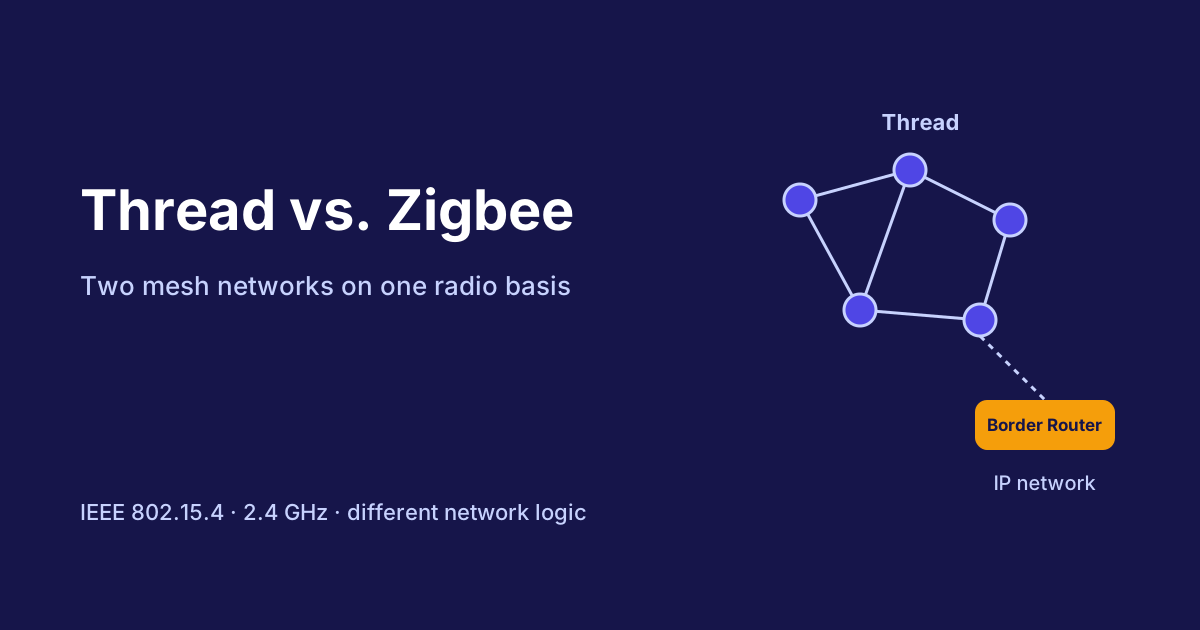
The basics of Thread are covered in the article Thread, Wi-Fi or Ethernet. The role of the border router is explained in the article Border router and controller. This article is about building the network itself.
The roles in a Thread network
Thread knows different device classes. Each has a fixed place in the network, and that determines where you should place the devices:
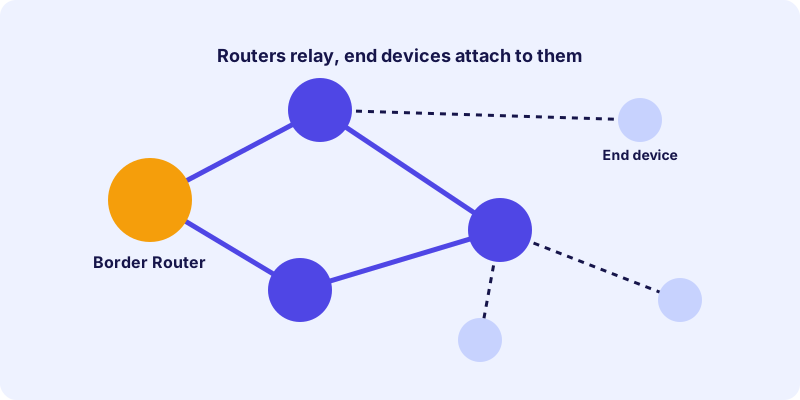
- Border router: The bridge between the Thread network and your home network. Without it, the Thread network stays separate from your control system.
- Router: Mains-powered devices such as lamps or plugs. They forward messages from other devices and strengthen the network.
- End devices: Usually battery-powered sensors or switches. They send and receive, but do not forward messages. They often sleep between transmissions to save energy.
This distinction matters. An end device attaches to a router and is not part of the network infrastructure. So if you want to improve range, add routers to the network rather than additional battery devices.
Thread network range: routers instead of distance
Many people expect a device to reach a sensor in the garden directly. Thread works differently. Messages travel via intermediate stations, and each station is a router that passes the message on. The range of the entire network results from how many routers are distributed.
In practice, this means:
- Place mains-powered devices in rooms that lie between the border router and the end devices.
- Use sockets or lamps as bridges, especially in hallways or stairwells.
- Position end devices so that they are within range of a router, not necessarily within range of the border router.
A well-distributed network can bridge distances that a single device would never manage.
Common sources of interference
Even a well-planned network can be weakened by obstacles. These factors affect the connection:
- Thick walls and ceilings: Reinforced concrete and metal in particular absorb radio signals strongly.
- Metal objects: Cabinets, radiators and mirrors with metal frames can weaken radio waves.
- Other radio networks in the 2.4 GHz band: Wi-Fi and other devices use the same band and can interfere with Thread.
- Long distances without a router: The distance between two routers should be chosen so that they reliably reach each other.
If a connection is unstable, moving a router by just a few meters often helps. Test the position after every change before you place additional devices.
Multiple border routers for more resilience
A single border router is a weak point. If it fails, your control system can no longer reach the Thread devices, even though the devices themselves still work. Multiple border routers increase resilience. This is especially true if you use Thread devices in different areas of the house.
For several border routers to form the same network, they must belong to the same Thread network. In many environments, the network credentials can be shared between border routers. Whether and how this works, however, depends on the manufacturer and the control system. Check the details in advance so that you do not run into unnecessary restrictions.
A five-step plan
A short plan helps you avoid most problems:
- Define the location of the border router: Choose a central spot with a good network connection.
- Define router zones: Mark the areas where mains-powered devices make sense.
- Assign end devices: Plan which sensor or switch should attach to which router.
- Build step by step: Set up the border router and a few routers first, then the end devices.
- Check the connections: Confirm in your system that all devices are reachable and stay stable.
This order has an advantage: you spot weak points early and can still move routers before the installation is finished.
Stable connections in everyday use
A Thread network changes over time. New devices are added, furniture is moved and radio conditions change. These habits help:
- After major renovations, check that the end devices are still reachable.
- Keep the firmware of your devices and your control system up to date.
- Avoid placing routers where they are permanently switched off.
- Note which devices act as routers, so you do not accidentally switch them off when saving power.
If an end device stops responding permanently, the cause is often a missing connection to a router. An additional router in the intermediate area often solves this.
Choosing Thread devices
When choosing new devices, look at their role. Mains-powered devices such as plugs and lamps strengthen the network, and battery sensors benefit from it. In the device directory you will find Thread devices with radio technology details that you can filter. To understand the device groups, the article Matter smart plugs: what to know before you buy is also helpful. It shows how mains-powered devices can be used around the house.
An example of a mains-powered smart plug with a Thread connection:
Conclusion: planning determines range
A stable Thread network is created not by strong individual devices, but by good teamwork. Mains-powered routers connect the rooms, end devices benefit from them, and one or more border routers connect everything to your control system. If you build the network step by step and check it after every change, you will usually achieve a reliable connection.
Frequently asked questions
How do I increase the Thread range?
Best with mains-powered devices such as plugs or lamps that act as routers in the network. Each additional router can forward messages and improve coverage.
Why is my Thread sensor hard to reach?
Probably there is no router nearby to forward the messages. A mains-powered device between the sensor and the border router can solve the problem.
Do I need multiple border routers?
Not necessarily. One border router is enough for many households. However, multiple border routers increase resilience and can make sense in large houses.
Can battery devices forward messages?
Battery-powered end devices generally do not forward messages. Mains-powered routers handle that job.
Can I share Thread credentials between border routers?
In many cases yes, but it depends on the manufacturer and the control system. Check the details before you set up multiple border routers.