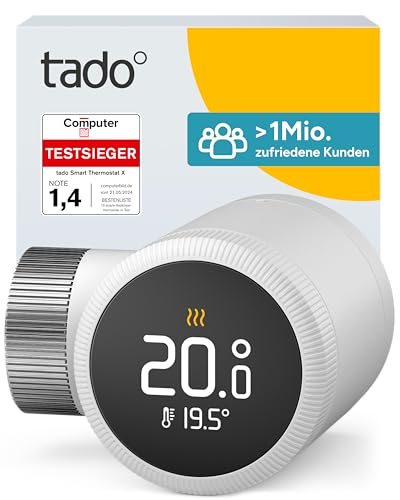
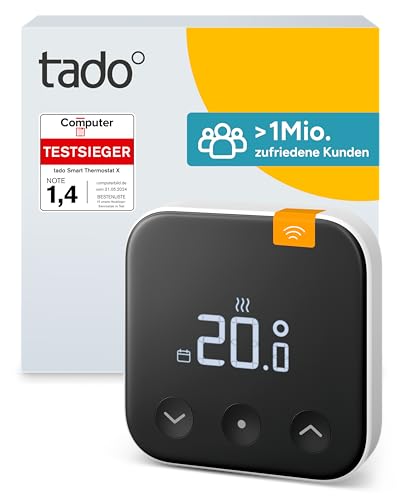
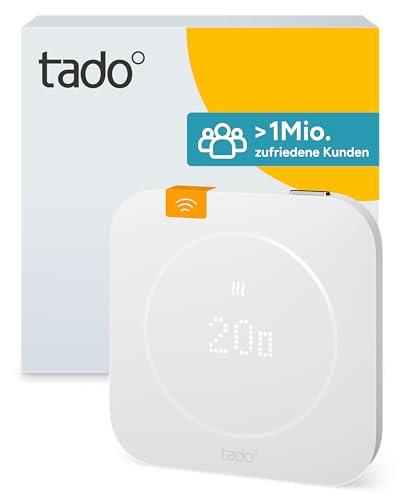
Smart Thermostat X
Only the initial certification so far (February 24, 2026), no update certified
Thread border router required. This device uses Thread and needs a Thread border router, for example a HomePod, Apple TV, Nest Hub or Echo. Compare border routers →
Smart Thermostat X by tado°: certified Matter device (Thermostat). Radio: Thread. Matter 1.4.
Price comparison
Compatibility with smart home platforms
Whether the platform supports this device type (Thermostat). This is an assessment based on the platforms’ lists, not a guarantee for every feature.
- Google HomeDevice type supported
- Amazon AlexaDevice type supported
- Apple Home *Device type usually supported
- SmartThings *Device type usually supported
- Home Assistant *Device type usually supported
This device uses Thread: the platform needs a Thread border router, for example a HomePod, Apple TV, Nest Hub or an Echo with Thread. Compare border routers →
Data as of 2026-10-28. Platforms keep adding support; check the manufacturer’s information before buying. Platforms marked * publish no list of their own, so the entries are based on reports.
Technical data
- Manufacturer
- tado°
- Product type
- Heating, cooling & water
- Device type
- Thermostat
- Radio protocol
- Thread
- Matter version
- Matter 1.4
- Model number
- 106522
- First certified
- February 24, 2026
- Certificate ID
- CSA2610ZMAT50739-24
- Vendor / product ID (VID/PID)
- 0x134E / 0x0007 (4942 / 7)
Setup (manufacturer instructions)
Press the Quick Action Button
Reset tado° Smart Thermostat X
How to factory reset tado° Smart Thermostat X so you can set up the Matter device again or hand it on. Remove the device in your controller first, otherwise an entry stays behind there.
Manufacturer’s note (certification database)
Press the Factory Reset button for 3 seconds
Resetting erases the device’s settings and assignments.
How do I factory reset tado° Smart Thermostat X?
The steps are in the section on this page. Remove the device in your controller first, then perform the reset.
Do I have to remove the device from the app first?
Ideally yes: remove it in your controller or smart home app first so its pairing is deleted there. Then reset the device.
What is lost when I reset it?
The device’s settings and assignments, including its connection to all Matter systems (multi-admin). You can set it up again afterwards.
The reset does not work – what now?
Check the manufacturer’s manual and support to see whether the procedure applies to your model. Check power and range; Thread devices need a reachable border router.
Manufacturer links
Update history (certified firmware versions)
One version is certified so far (since February 24, 2026). New versions appear here automatically.
| Version | Certified on | Matter | Certificate ID |
|---|---|---|---|
| 1.4.289 | February 24, 2026 | 1.4 | CSA2610ZMAT50739-24 |
Source: Distributed Compliance Ledger of the Connectivity Standards Alliance (as of November 3, 2026). No guarantee.